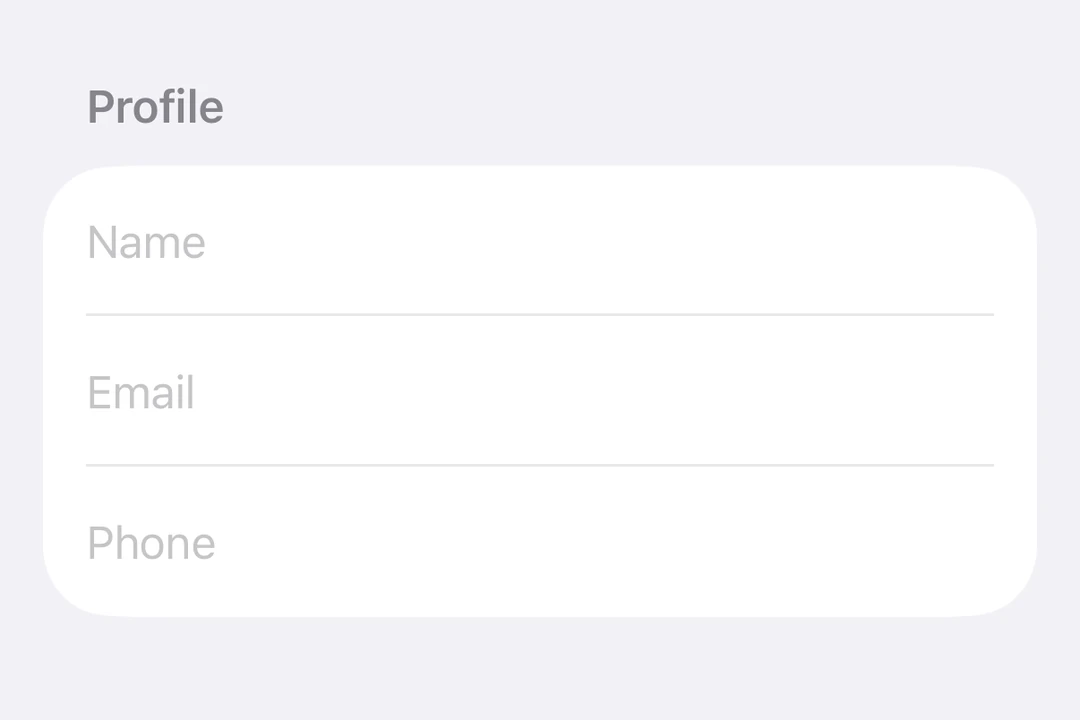
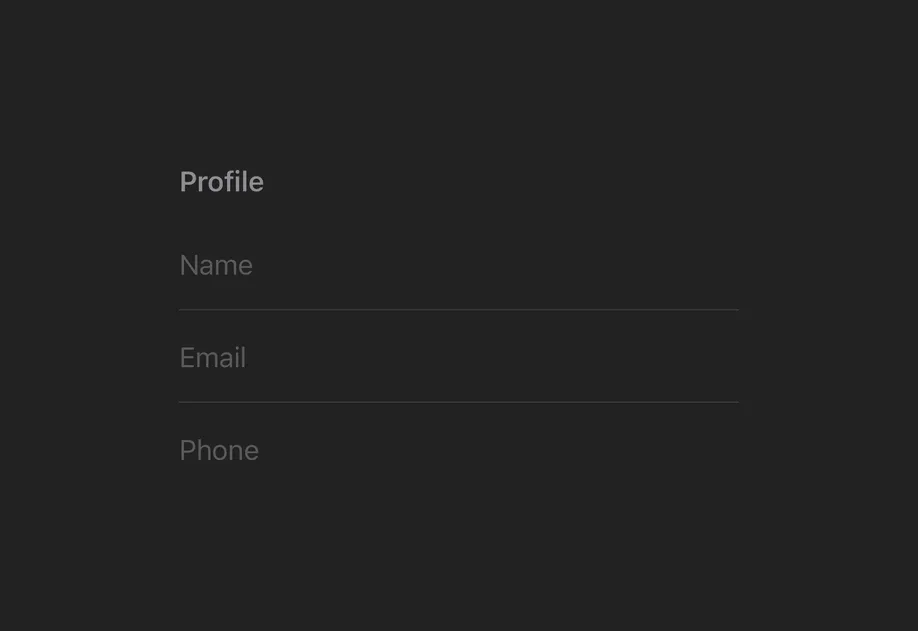
For cross-platform usage, see the universal TextInput — it renders the appropriate native component per platform.
Expo UI TextField matches the official SwiftUI TextField API and supports single-line and multiline input, keyboard configuration, submit handling, and an imperative ref for programmatic control.
Bind a useNativeState observable to text. The field tracks the user's input on its own, and you read the current value from textState.value.
BasicTextFieldExample.tsx
import{Host,TextField, useNativeState }from'@expo/ui/swift-ui';exportdefaultfunctionBasicTextFieldExample(){const textState =useNativeState('');// A text field stretches to the width it is given, so give the host a size.return(<Hoststyle={{ flex:1}}><TextFieldplaceholder="Username"text={textState}/></Host>);}
Controlled text field
Pass an onTextChange worklet to transform or validate input and write the result back to the useNativeState observable state. The example below uppercases the text as it is typed.
Set axis="vertical" to allow the text field to expand vertically. Use the lineLimit modifier to control the visible line count. Give the Host an explicit size so the field has a width to expand within.
MultilineTextFieldExample.tsx
import{Host,TextField, useNativeState }from'@expo/ui/swift-ui';import{ lineLimit, fixedSize }from'@expo/ui/swift-ui/modifiers';exportdefaultfunctionMultilineTextFieldExample(){const textState =useNativeState('');return(<Hoststyle={{ flex:1}}><TextFieldaxis="vertical"text={textState}placeholder="Tell us about yourself..."modifiers={[lineLimit(5),fixedSize({ horizontal:false, vertical:true}),]}/></Host>);}
Keyboard type
Use the keyboardType modifier to display a specific keyboard layout.
When onTextChange is marked with the 'worklet' directive, it runs synchronously on the UI thread, so writes to useNativeState observables inside the callback take effect before the next frame. There is no flicker between the typed text and the masked text. The example below masks a phone number as the user types and writes both text and selection from the worklet to keep the cursor at the end of the formatted value.
Note: Worklets require installing react-native-worklets. The selection prop requires iOS 18.0+ / tvOS 18.0+. On older versions the worklet can still update the text but cursor positioning is unavailable.
WorkletPhoneMaskExample.tsx
import{Host,TextField, useNativeState }from'@expo/ui/swift-ui';import{ keyboardType }from'@expo/ui/swift-ui/modifiers';import{ useEffectEvent }from'react';exportdefaultfunctionWorkletPhoneMaskExample(){const phone =useNativeState('');const selection =useNativeState({ start:0, end:0});const handleTextChange =useEffectEvent((v:string)=>{'worklet';const digits = v.replace(/\D/g,'').slice(0,10);let formatted = digits;if(digits.length>6){
formatted =`(${digits.slice(0,3)}) ${digits.slice(3,6)}-${digits.slice(6)}`;}elseif(digits.length>3){
formatted =`(${digits.slice(0,3)}) ${digits.slice(3)}`;}if(formatted !== v){
phone.value= formatted;// Snaps to end for demo. Real masks need smarter cursor handling.
selection.value={
start: formatted.length,
end: formatted.length,};}});return(<Hoststyle={{ flex:1}}><TextFieldtext={phone}selection={selection}placeholder="(555) 123-4567"modifiers={[keyboardType('phone-pad')]}onTextChange={handleTextChange}/></Host>);}
Slot children — supports <TextField.Placeholder> with a <Text> child
(any text-styling modifiers on that Text are preserved as the
placeholder's styling).
maxLength
iOS
tvOS
Optional • Type: number
Maximum number of characters allowed. Truncates natively as the user types.
onFocusChange
iOS
tvOS
Optional • Type: (focused: boolean) => void
A callback triggered when the field gains or loses focus.
A callback triggered when the text selection range changes.
onTextChange
iOS
tvOS
Optional • Type: (text: string) => void
A callback triggered when the text value changes.
If the callback is marked with the 'worklet' directive, it runs synchronously
on the UI thread; otherwise it is delivered asynchronously as a regular JS event.
Observable state the field writes the current selection to.
Create with useNativeState<TextFieldSelection>({ start: 0, end: 0 }).
Use ref.setSelection(start, end) to set programmatically.
text
iOS
tvOS
Optional • Type: ObservableState<string>
An observable state that holds the current text.
Create one with useNativeState('') or useNativeState('initial value').
If omitted, the field manages its own internal state.
A single listener invoked on the native UI runtime whenever the value changes
(after iOS didSet and Android's setter). Assigning replaces the previous
listener; assign null to clear. The initial value does not fire onChange.
The callback must be a worklet so it can run synchronously on the UI thread.
Attach it inside useEffect and clear it in the cleanup so the listener
lifecycle matches the component lifecycle.
Example
const state =useNativeState(0);useEffect(()=>{
state.onChange=(value)=>{'worklet';console.log('changed to', value);};},[]);
value
T
The current value.
Writes from a UI worklet are synchronous and immediately readable. Writes
from the JS thread are scheduled to the UI thread asynchronously, the new value is not readable until the update has been
applied. Prefer writing from a worklet when you need synchronous updates
get
() => T
Reads the current value. A React Compiler compliant alternative to reading .value
set
(value: T) => void
Writes a new value. A React Compiler-compliant alternative to assigning .value
TextFieldRef
iOS
tvOS
Can be used for imperatively focusing and setting text/selection on the TextField component.